Recharge Card
The Recharge Card section enables a physical or digital voucher system for customer self-service top-ups. Customers buy a card from a distributor, scratch off the PIN, and enter it in the customer portal or mobile app to add balance or activate a package — with no operator involvement required.
What This Section Covers
| Feature | Purpose |
|---|---|
| Recharge Cards | Generate batches of voucher PINs with a set denomination and expiry. |
| Card Distributors | Manage the agents and shops that sell recharge cards to customers. |
| Distributor Payments | Record payments received from distributors for card stock they have sold. |
Pages in This Section
- Recharge Cards — Generate, print, and manage PIN-based voucher cards. Cards can be denomination-based (e.g., 100 BDT) or package-based (e.g., 1-month 10 Mbps package).
- Card Distributors — Register and manage card distribution agents (shops, resellers, field agents) who sell physical cards to end customers.
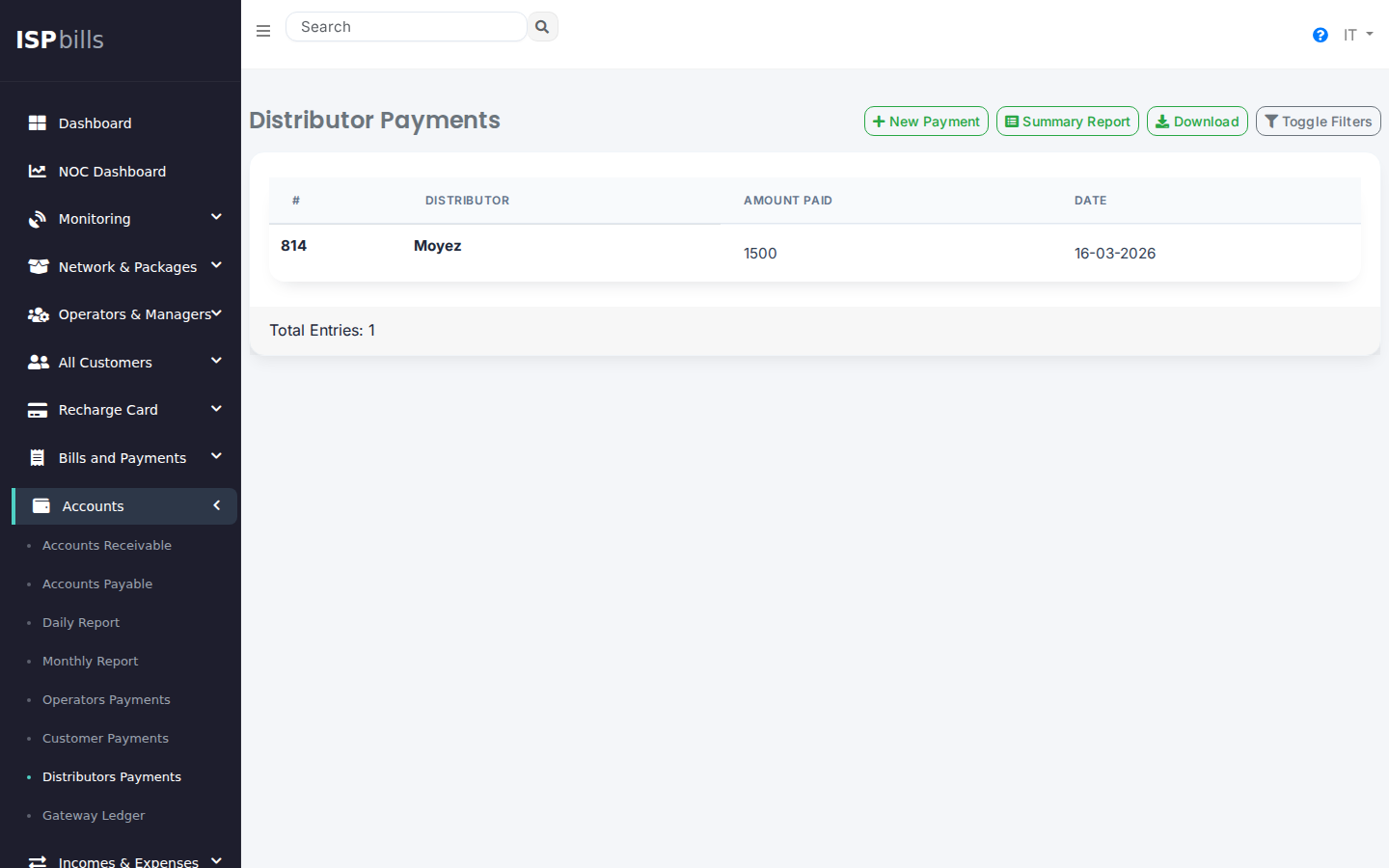
- Distributor Payments — Track financial settlements with distributors: how much card stock they hold, how much they have sold, and how much they owe the ISP.
Key Concepts
Card Generation
Cards are generated in batches. Each card contains:
- A unique PIN code (scratch-to-reveal on physical cards)
- A denomination or package assignment
- An expiry date

Customer Redemption
Customers redeem cards through:
- The Customer Self-Service Portal (web)
- The ISPBills Mobile App
- The Card Distributor login portal (the distributor enters the card on behalf of the customer)
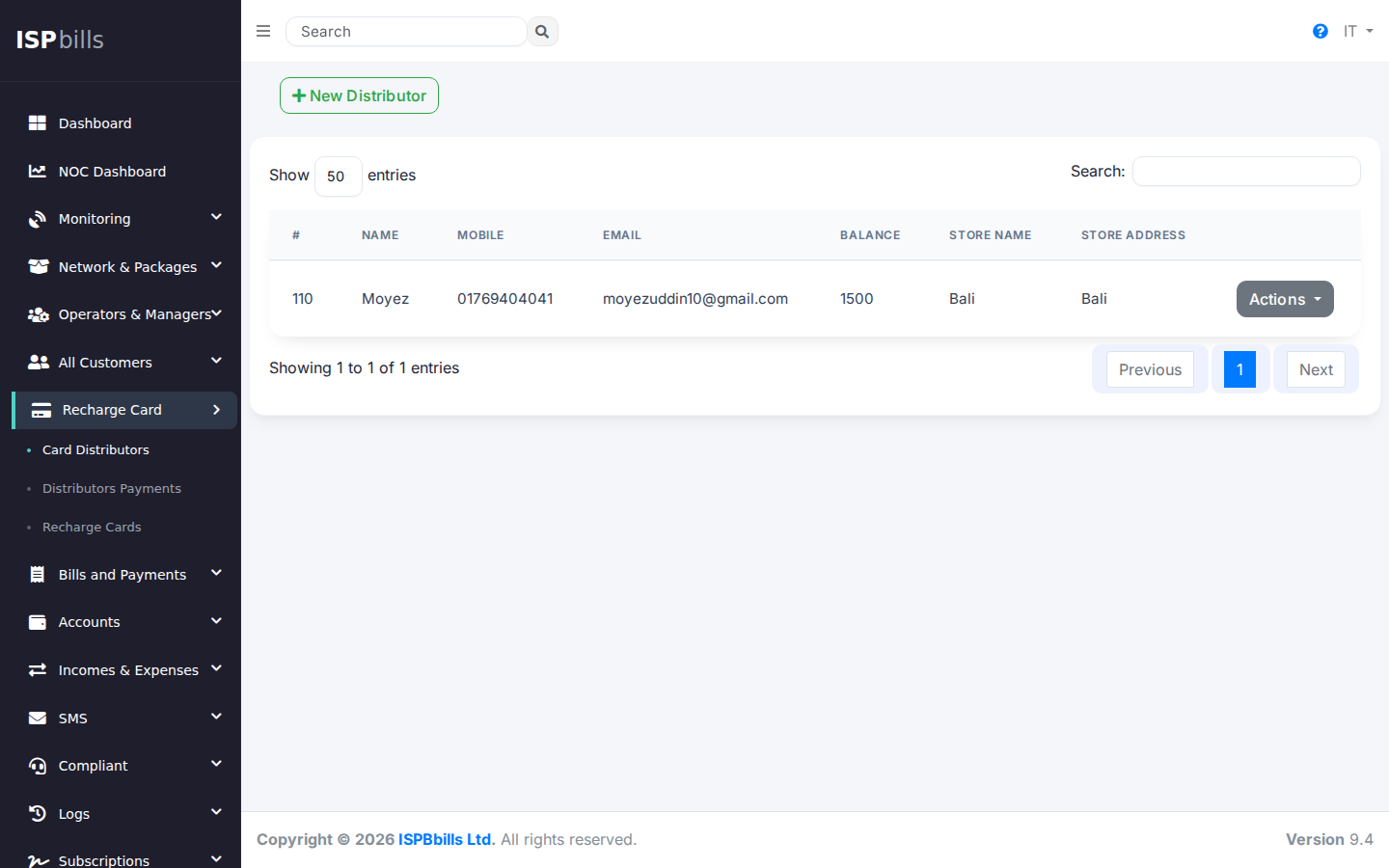
Distributor Payments
Distributors purchase card stock from the ISP and sell it to end customers. The Distributor Payments page tracks how much each distributor owes after selling their stock.
Card Distributor Login
Card distributors have their own login portal, separate from the main admin panel. They can top up customer accounts and view their card inventory without access to ISP configuration.
Accessing Recharge Cards
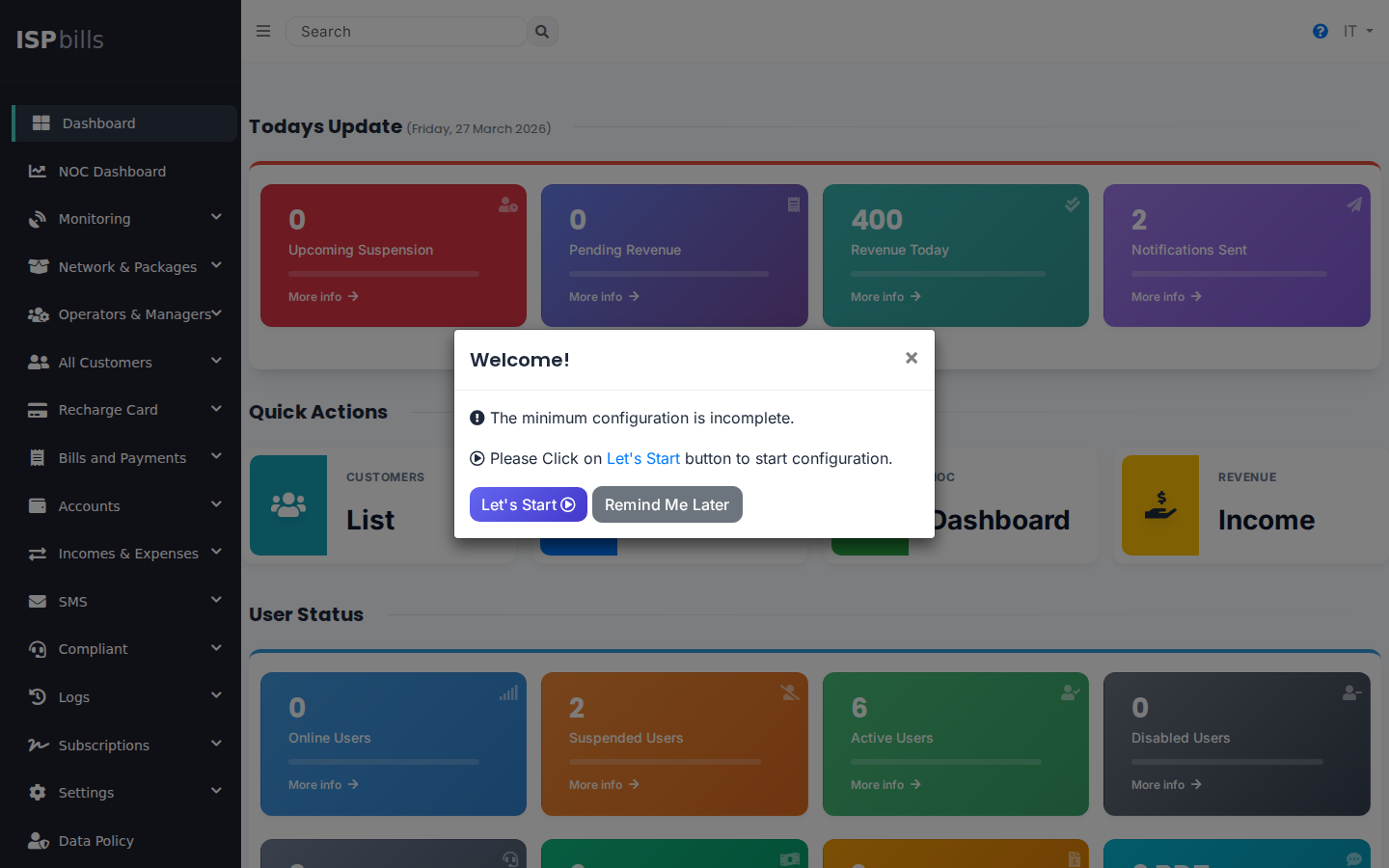
Navigate to Recharge Card in the left sidebar.