Resellers and Managers
The Resellers & Managers section is where you build and manage the human hierarchy of your ISP operation — from resellers who operate their own sub-networks, to managers who help run the admin portal, to sub-resellers working under your resellers.
What This Section Covers
ISPBills supports a multi-tier operator model:
Admin (ISP Owner)
├── Manager          (staff with limited admin access)
├── Reseller         (operator with their own customers)
│   └── Sub-Reseller (operator under a reseller)
├── NOC User         (network operations technician — no financial access)
└── Card Distributor (recharge card sales agent)
Pages in This Section
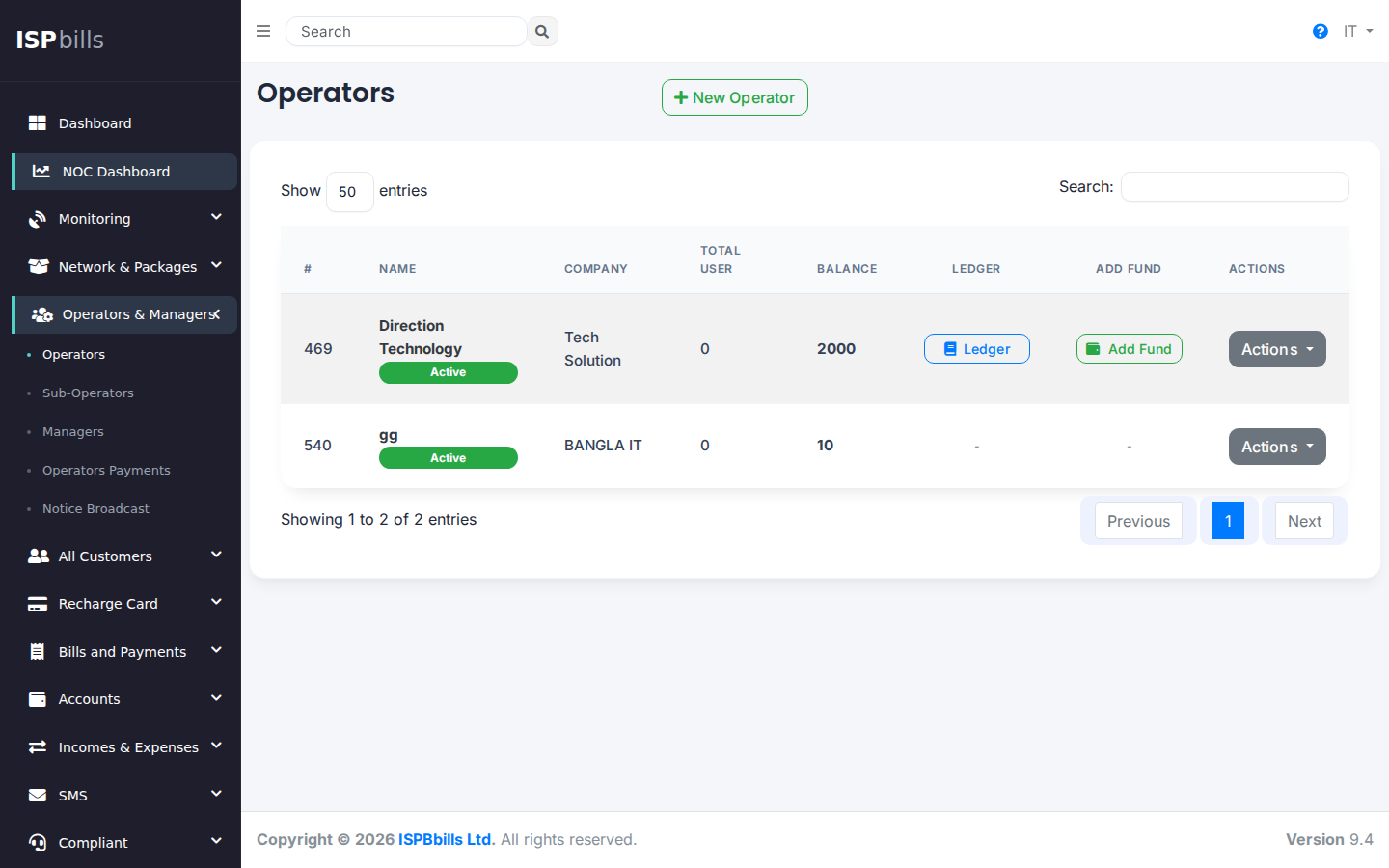
- Resellers — Create and manage reseller accounts. Set billing mode (prepaid/postpaid), assign zones, configure permissions.
- Sub-Resellers — Create sub-reseller accounts under an existing reseller.
- Managers — Create staff accounts with customisable permissions to assist with admin tasks.
- NOC Users — Create network operations staff accounts with permission-gated access to infrastructure monitoring, device management, and customer troubleshooting. NOC users have no access to financial data. See NOC Role and NOC Panel.
- Operator / Sub-Operator Payments — Record financial settlements between admin and resellers.
- Notice Broadcast — Send internal notices or announcements to resellers and managers.
Key Concepts
Reseller Billing Modes
| Mode | How It Works |
|---|---|
| Prepaid | The admin holds the reseller's balance. When the reseller adds a customer or renews a subscription, the cost is deducted from their pre-loaded balance. |
| Postpaid | The reseller collects cash from their own customers and periodically pays the admin the wholesale amount owed. |
Manager Permissions
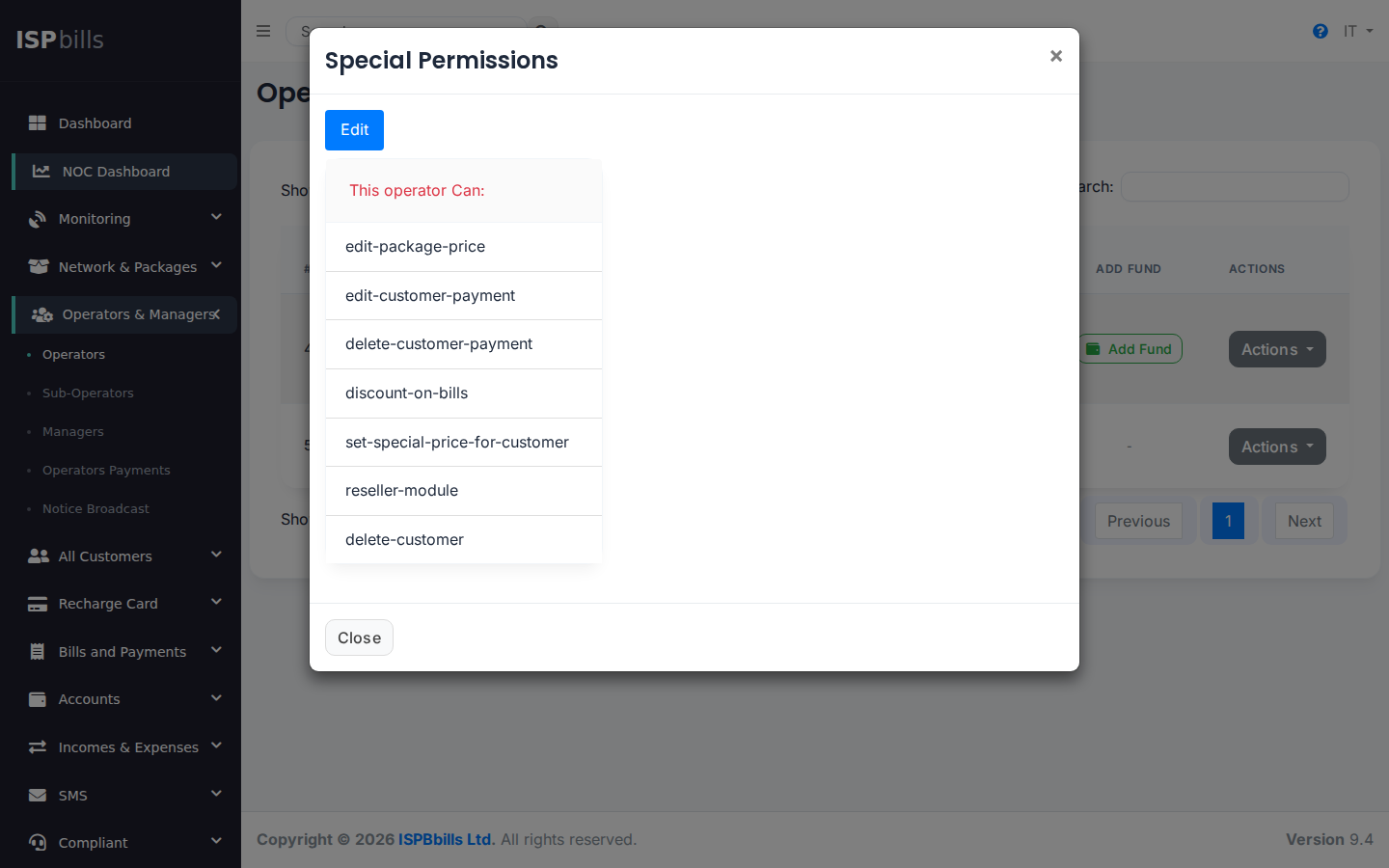
Managers are ISP staff, not resellers. They log in to the admin panel and can be granted access to specific sections (e.g., only billing, or only complaints). Use Resellers & Managers > Managers > Special Permissions to fine-tune what each manager can see and do.
Reseller Module
The reseller dashboard gives resellers their own portal to manage their customers, record payments, and view their financial balance — without access to the admin's broader configuration.
Notice Broadcast
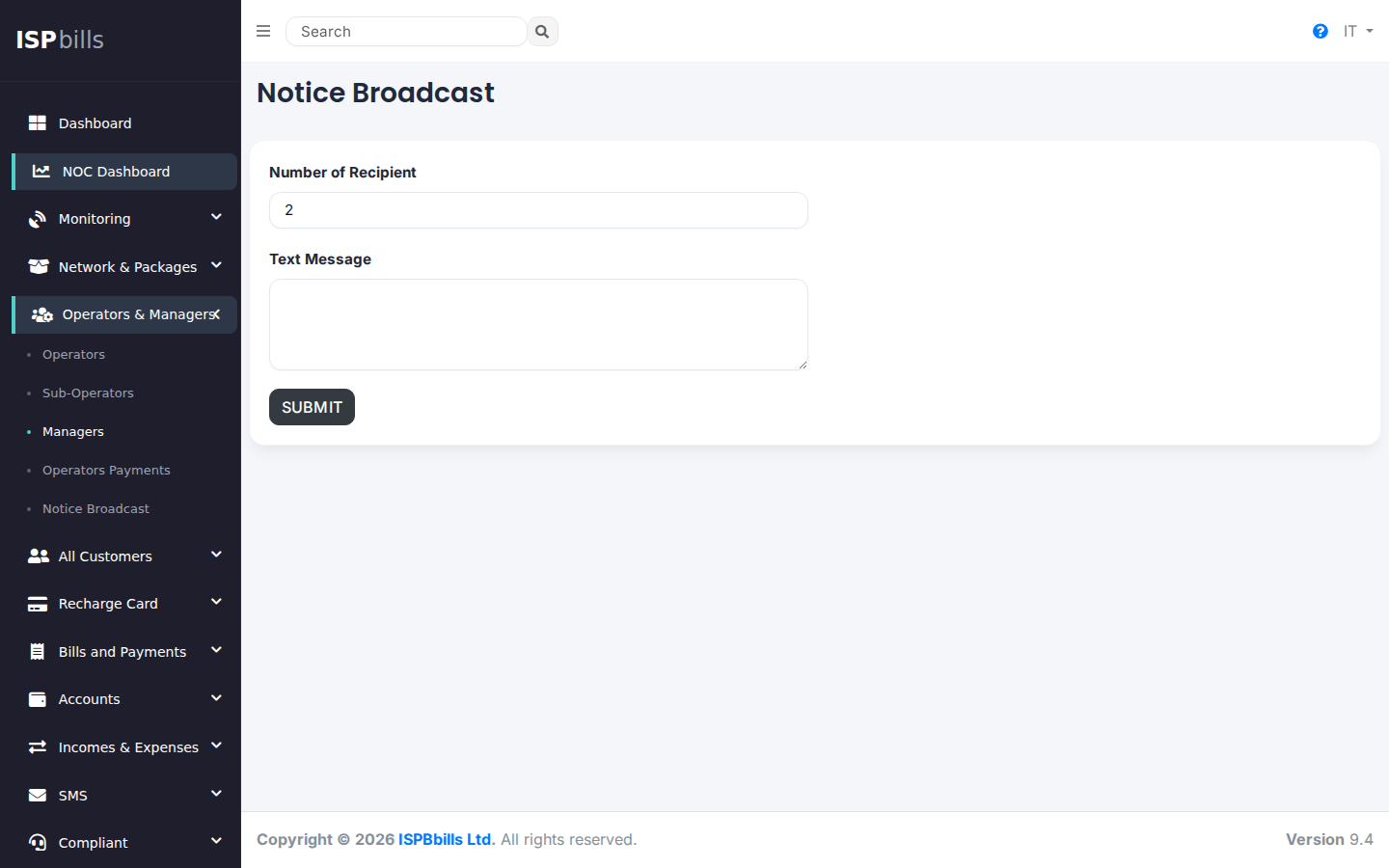
Use Notice Broadcast to send an SMS to all active resellers simultaneously. There is no per-reseller targeting — all resellers receive the same message at once. See Notice Broadcast for full details.
Accessing Resellers & Managers
Navigate to Resellers & Managers in the left sidebar.